
How to Download Sora Video Without Watermark (Complete Guide)
Published: March 15, 2025 · 6 min read
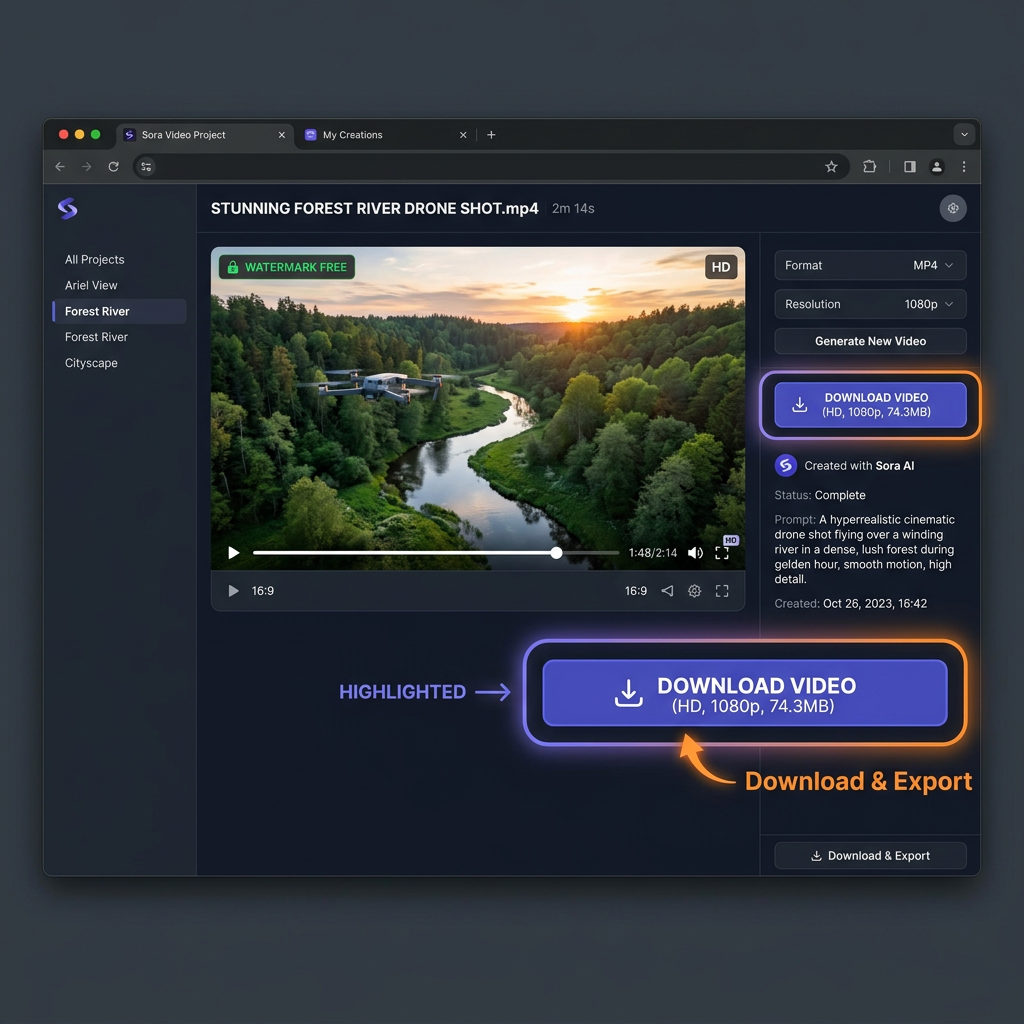
If you want to download Sora video without watermark, you are in the right place. OpenAI's Sora platform generates stunning AI videos, but downloading them cleanly — without any watermark or quality loss — requires the right tool. In this complete guide, we walk you through exactly how to do it in just a few simple steps, completely free.
What is Sora AI?
Sora is OpenAI's groundbreaking text-to-video AI model. It can generate highly realistic, cinematic video clips directly from written text prompts. Unlike older AI video tools, Sora can create videos with complex motion, multiple characters, accurate physics, and consistent scenes lasting up to several minutes.
Since its release, Sora has become the most talked-about AI tool for creators, marketers, and developers worldwide — especially in the US, India, Indonesia, Pakistan, and Vietnam, where AI content creation is rapidly growing.
Why Do Sora Videos Have Watermarks?
By default, some Sora-generated videos may carry a subtle watermark or metadata tag to identify them as AI-generated content. This is part of OpenAI's responsible AI policy to ensure transparency. However, for legitimate personal and educational use, most users prefer to save Sora AI videos without any watermark overlay.
The good news? When you use our Sora Video Downloader, it fetches the original source file. Because we bypass the display layer, the resulting file is completely clean. No intrusive logos, no blurred corners — just the raw, high-definition mp4 video.
Step-by-Step Guide to Download Sora Videos Without Watermark
Follow these 4 simple steps to save any Sora video directly to your device (mobile or desktop).
Copy the Sora Video URL
Go to the platform where you generated or found the Sora video (e.g., sora.com). Click the share or options menu and select 'Copy Link'.
Open the Downloader Web Tool
Visit soravideoapp.com on any browser (Chrome, Safari, Firefox, Edge) on your phone or computer.
Paste the URL
Paste the copied video link into the search bar at the top of the page and click the 'Download Video' button.
Download the HD MP4 File
Wait a few seconds for our AI to process the link. Once ready, click 'Download MP4' to save the watermark-free video to your gallery or downloads folder.
Pro Tips for Downloading Sora AI Videos
- 📱 On mobile: Use the Safari browser (iOS) or Chrome (Android) for the best download experience.
- 💻 On desktop: Right-click the downloaded file and choose "Save As" to pick your folder.
- 🎬 Quality tip: Always choose the highest available resolution when our tool shows multiple options.
- 🔗 URL format: Make sure the link you paste starts with
sora.comfor best results.
Frequently Asked Questions
Can I download Sora videos without watermark for free?▾
Yes. Our Sora Video Downloader is completely free. You can download unlimited Sora AI videos without any watermark added by our tool, at no cost.
Is downloading Sora videos legal?▾
Downloading Sora videos for personal use and educational purposes is generally acceptable. Always review OpenAI's terms of service. Do not redistribute content you do not own the rights to.
How do I save a Sora AI video to my phone?▾
Copy the Sora video URL, open soravideoapp.com in your mobile browser, paste the URL and click Download. On iOS, save to Files or Photos. On Android, the video saves directly to your Downloads folder.
Does the Sora Video Downloader work on all devices?▾
Yes. Our tool works in any modern browser on iOS, Android, Windows, macOS, and Linux. No app installation needed.
Conclusion
Downloading Sora AI videos without watermark has never been easier. With our free Download Sora Video Without Watermark tool, you can save any Sora-generated video in HD quality within seconds — directly from your browser, on any device, completely for free. Try it today!